Nomad Stack Compare

Travel account security

SIM-swap protection for banking: reduce account-takeover risk before travel

How SIM-swap fraud threatens bank logins while you travel, the account settings and authenticator changes that help, red flags to spot and a fast recovery sequence.
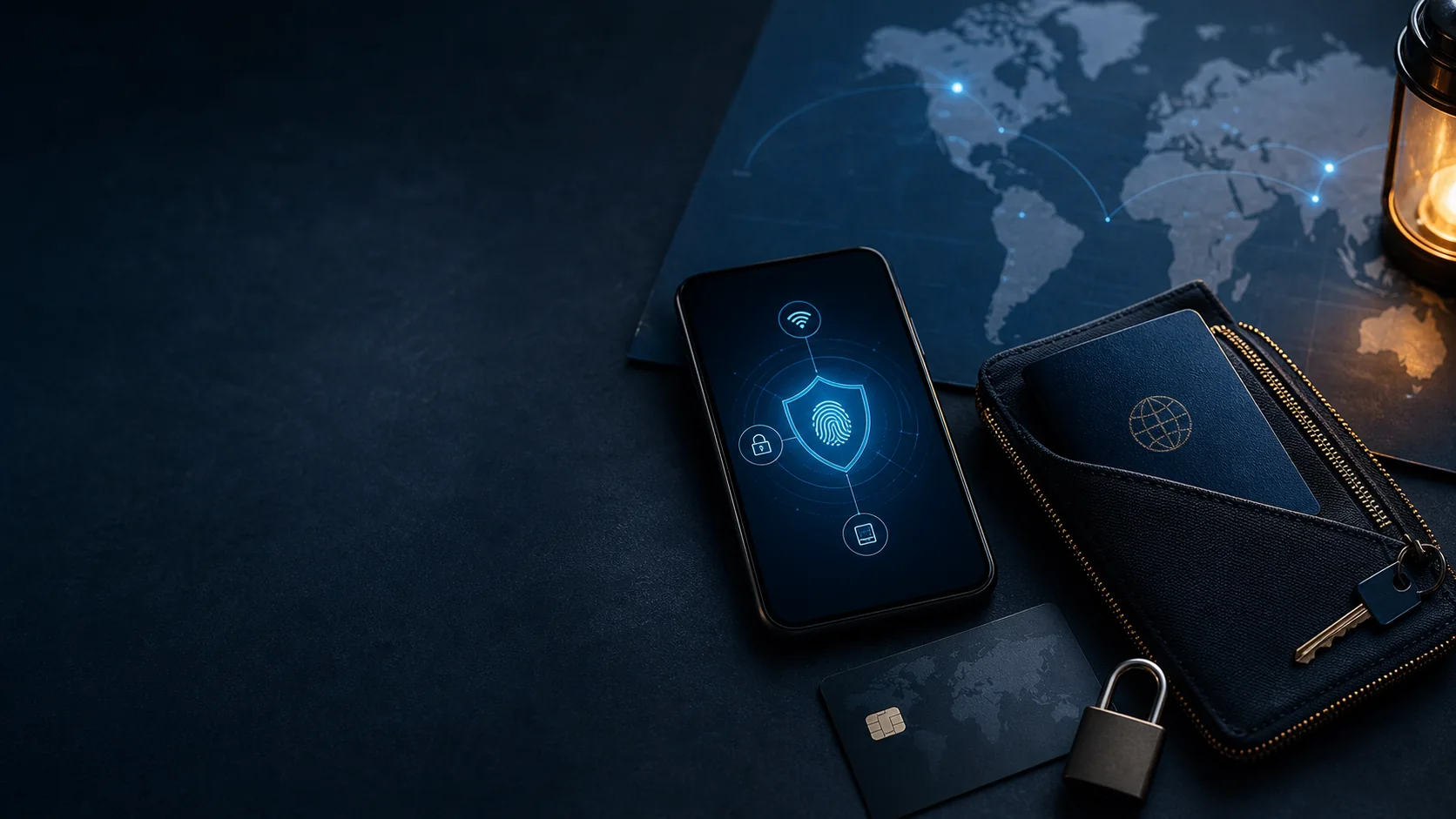
Phone security, backup card and travel documents protected in a zip pouch
Updated
Last checked
Reading time14 min
SIM swap bankingaccount takeover protectionbank 2FA travel

Not financial advice

  • This is informational content, not financial, tax or legal advice. Confirm official fees, eligibility and local obligations before acting.
  • Some related tools may use affiliate links. Commercial relationships do not decide rankings or risk notes.

Quick answer

A SIM swap can turn a phone number into a takeover route for banking, email, and payment accounts. The practical defence is not one magic carrier setting: reduce dependence on text-message codes, make carrier-account changes harder, protect the email account that resets everything else, and prepare a recovery path before travel. This guide gives a layered, provider-neutral plan without assuming that a bank, mobile operator, or country offers the same controls everywhere.

  • Treat a phone number as a recovery channel, not as the only key to money. Move important banking, email, and exchange accounts from SMS codes to an authenticator app, passkey, or hardware security key when the service supports it. Keep recovery codes offline rather than in the same phone inbox.
  • Ask the mobile operator which account-change protections exist for your line: a separate account PIN, port-out or number-transfer lock, SIM-change notification, and a process for changing those controls. Names, availability, and support paths vary by carrier and country, so verify them directly.
  • Secure the email account before everything else. A criminal who controls both your number and your inbox can often reset several financial accounts. Use a unique password, strong non-SMS multi-factor authentication, recovery contacts or codes, and alerts for sign-ins and recovery changes.
  • When travelling, separate the items an attacker needs. Keep the primary phone, backup authenticator access, recovery codes, payment cards, and identity documents in different places. A spare device is useful only if it is already enrolled and protected; do not wait for an emergency to discover a login block.
  • If service vanishes unexpectedly, act as if it could be an account-security event until the carrier confirms otherwise. Contact the carrier through a known support channel, freeze or restrict high-risk financial actions where available, change the email password from a trusted device, and document the timeline for support teams.

Why a phone number can become a money risk

The attack is usually about account recovery, not the SIM card itself.

A mobile number is convenient because it follows you between devices. That same convenience makes it attractive in account-recovery systems. A criminal who convinces a carrier to move your number, or who gains access to the carrier account, may receive texts intended for you. Those texts can include one-time codes, password-reset links, confirmation notices, or security alerts from several services at once.

The useful mental model is a chain. The phone number may unlock email recovery; email may unlock a bank or wallet reset; a newly reset financial account may then be used to add a device, change withdrawal details, or make payments. Strong passwords remain necessary, but they are not enough if the recovery chain is weaker than the password itself.

This is why SIM-swap preparation belongs in travel planning. When you are in a different time zone, on a temporary data plan, or unable to call a familiar support number, the attacker may have more time before you notice. The goal is to make every link in the chain require a separate, well-protected factor.

Map every account that depends on SMS

You cannot protect a dependency that you have not identified.

Start with the accounts that can move money or unlock other accounts: primary email, bank and card apps, payment processors, mobile wallet, brokerage or crypto accounts if you use them, and the mobile-carrier login itself. For each one, note the normal sign-in method, the password-reset method, the multi-factor method, and whether a phone-number change requires confirmation.

Do not assume the setting labeled “two-factor authentication” answers the entire question. A provider may use an authenticator app for ordinary sign-in but fall back to SMS for password recovery, new-device approval, or a high-value transfer. Review the recovery page, not only the security toggle. If the answer is unclear, mark it for a support check rather than guessing.

The output should be a private recovery map, not a spreadsheet stored in an exposed cloud folder. A concise offline note can record which account has passkeys, which has recovery codes, who to call, and what identification may be needed. It becomes useful when stress makes memory unreliable.

A simple recovery-dependency inventory
Account layerQuestion to answerSafer outcome
Primary emailCan SMS reset the password?Password plus non-SMS MFA and offline recovery codes
Bank or payment appWhat approves a new device or transfer?Authenticator/passkey plus transaction alerts
Carrier accountCan support port the number with basic personal data?Separate account PIN and transfer lock where offered
Backup deviceCan it authenticate if the main phone disappears?Already enrolled, locked, and kept separately

Replace SMS as the primary factor where possible

Prefer factors that do not travel with a hijacked number.

For a critical account, choose the strongest method the provider supports and that you can recover responsibly. Passkeys can bind sign-in to a protected device or credential manager. Authenticator apps generate codes without the mobile network. Hardware security keys add a separate physical factor. None of these is universally available, and each has its own recovery trade-off, so use the official account settings rather than copying a generic setup blindly.

Keep at least two ways to complete a legitimate recovery. For example, a primary phone may hold an authenticator, while a second protected device or a hardware key remains elsewhere. Offline recovery codes can be valuable, but they should be treated like spare keys: stored securely, not photographed, emailed to yourself, or left in a wallet with the phone.

Changing an authentication method is a good time to review notification settings. Turn on alerts for new sign-ins, password changes, payout-destination edits, new devices, and unusual transactions where those alerts exist. Fast notification does not eliminate fraud, but it reduces the time an attacker can act unnoticed.

Checklist

  • Use a unique password for the primary email account.
  • Choose non-SMS MFA for accounts that support it.
  • Generate recovery codes and store them offline.
  • Enroll a separately stored backup factor before travel.
  • Review account alerts for sign-ins, recovery changes, and money movement.

Make carrier-account changes harder

Carrier controls are imperfect, but they can add a meaningful barrier.

Use the carrier’s official app, website, or retail channel to learn which controls apply to your plan. Depending on the operator, these may include an account PIN, a verbal password, a block on porting the number, a transfer lock, a required identity check, or advance notifications. A feature name can sound stronger than its actual process, so ask what happens when a person requests a SIM replacement, eSIM activation, or number transfer.

Choose a carrier-account PIN that is not reused from a bank, device unlock, date of birth, or easily discovered identity detail. Do not disclose it in chat screenshots or keep it in an unprotected notes app. If the carrier lets you appoint an authorized person, consider whether that convenience creates an additional social-engineering route.

Review the contact email and recovery data on the carrier account as carefully as the phone number. An outdated email, an old postal address, or a forgotten family-plan administrator can undermine a good PIN. Before travel, verify how you would reach fraud support from abroad if your own number cannot receive calls.

Protect email and device control first

Email resets many accounts, while an unlocked phone exposes active sessions.

Set the strongest available sign-in and recovery options on the email account used for banking. Review forwarding rules, recovery email addresses, trusted devices, and app passwords. An attacker who adds a forwarding rule may read reset messages without changing your visible inbox, so account-security pages deserve more attention than a casual password change alone.

Keep the phone itself difficult to use if stolen. Use a strong device passcode rather than a simple pattern, enable remote location and erase features if appropriate, and reduce lock-screen previews for banking codes or account alerts. A stolen unlocked phone plus a moved number is much more dangerous than either event alone.

Do not rely on a single password manager vault without understanding its recovery method. A secure vault can be excellent, but if it is the only place holding every password, backup code, and security key, losing access can stop your own recovery. Separate access paths deliberately.

Prepare for travel, eSIMs, and number changes

Connectivity convenience should not accidentally remove your recovery path.

Before changing carriers, moving to eSIM, or travelling with a local data plan, test the important flows while support is easy to reach. Confirm that your authenticator works offline, that the backup device can receive the accounts it needs, and that you can find official support without relying on a text sent to the affected number.

A travel eSIM usually gives data rather than replacing your primary number, but the details matter. Keep track of which profile receives calls and texts, whether roaming is enabled, and whether a device reset would remove an eSIM credential. Do not assume a new travel line can receive security messages for a bank registered to the old number.

Make a modest emergency-contact card for yourself: carrier fraud channel, bank card emergency numbers, primary email recovery page, and the location of offline recovery material. It should not contain passwords, full card numbers, or recovery codes. Its purpose is to remove the “where do I start?” delay during a disruption.

Respond to an unexpected loss of service

Contain first, verify second, and record what happened.

If the phone unexpectedly loses service, avoid assuming it is only a local outage. From a trusted device and connection, look for carrier notices, account-change emails, new-device prompts, password-reset messages, and financial alerts. Contact the carrier using a support path you obtained independently, not a link in an unexpected text or email. Ask whether a SIM replacement, eSIM activation, port request, or profile change has been recorded.

Next, protect the accounts that could be used immediately. Change the primary email password from a trusted device if you see suspicious activity, revoke unfamiliar sessions, and use each bank or payment provider’s official emergency controls to freeze cards, restrict transfers, or report takeover risk where available. Do not make rushed changes from a public computer or through a caller who reached you first.

Write down the time service disappeared, carrier case number, visible account events, and every support contact. This record helps providers correlate events and helps you avoid repeating steps. It is also useful if a disputed transaction or account review follows. Once access returns, review recovery methods again; a resolved incident can reveal a weak fallback you had not noticed.

How it works

  1. 1Use a trusted connection and contact the carrier through an official channel.
  2. 2Confirm whether a SIM, eSIM, or number-transfer event occurred.
  3. 3Secure primary email and revoke unfamiliar sessions.
  4. 4Use official bank and payment-app controls to restrict high-risk activity.
  5. 5Record times, case numbers, and alerts for follow-up.

Build a recovery plan that survives one failure

A resilient plan assumes one device, card, number, or provider may fail.

The strongest outcome is not perfect prevention; it is maintaining safe access when one layer fails. Keep spending access, a backup card, authentication recovery, and emergency contact details independent where practical. If every account relies on one phone, one number, one email, and one wallet, one successful social-engineering event can become a trip-wide financial problem.

Test the plan with a harmless rehearsal. Can you sign in to your email from a backup device? Can you find the carrier’s account-security page without a text message? Can you freeze a card from another device? Can a trusted person reach you without relying on the lost number? Testing exposes gaps without waiting for an emergency.

Review the plan after a new phone, carrier change, account migration, or major trip. Authentication settings and provider recovery flows change. This article is educational, not financial, legal, or security incident advice for a specific account; use official support and local emergency channels for an active compromise.

Checklist

  • Carrier PIN or transfer protection verified with the operator.
  • Primary email protected with a non-SMS factor.
  • Critical accounts reviewed for SMS recovery fallback.
  • Backup authenticator access tested before departure.
  • Cards and emergency money kept independent from the phone.
  • Official carrier and bank support channels recorded offline.
  • A plan exists for a lost phone, lost number, or unavailable data connection.

Sources and verification

This is an editorial guide, not personalised financial, tax, legal or insurance advice. Fees, eligibility, coverage and availability can change.

Content last checked

This guide does not yet publish a source record for every individual statement. We do not add inferred or memory-based citations.

No guide-specific or linked-tool source records are currently available. Check the current official terms before relying on a provider or travel decision.

Read our research and editorial method

FAQ

What is a SIM swap, and why does it affect banking?

A SIM swap is an unauthorized move of your mobile number to another SIM or eSIM profile. If a bank, email provider, or payment service sends recovery codes by text message, the person holding the moved number may receive those codes. A number alone does not automatically unlock an account, but it can weaken password-reset and verification flows.

Is an authenticator app enough to prevent account takeover?

It removes one important SMS risk, but it is only one layer. The email account, account password, recovery options, device lock, and mobile-carrier account still matter. An authenticator app also needs a deliberate backup plan so that losing a phone does not lock you out of your own accounts.

Should I remove my phone number from every financial account?

Only remove or change it where the provider lets you do so safely. Some services require a number for fraud alerts or account recovery. The more useful goal is to choose a stronger primary sign-in method, understand what the number can still reset, and make the carrier account difficult to change without you.

What should I do if my phone shows “No service” while abroad?

Rule out a local coverage issue, but do not wait passively if the loss is unexpected. Use Wi-Fi or a trusted backup connection to contact the carrier through an official app, website, or published support number. From a trusted device, review security alerts and restrict sensitive accounts if you see an unfamiliar reset, sign-in, or device change.

Does using an eSIM remove SIM-swap risk?

No. An eSIM changes the form factor, not the value of the number as a recovery channel. A carrier may have different activation controls for eSIMs, but account takeover can still involve number transfers, account recovery, or social engineering. Check the carrier process and use non-SMS authentication for critical accounts.

Related calculators

Popular guides